
HomeGuidesAccounts & Platforms
How to Change Your Valorant Name (Riot ID)
Change your Valorant name by updating your Riot ID on your Riot account page, understand username versus tagline, and see the new name in game.
 Mohammad Shojib AhmedUpdated · 5 min read · 3K views
 3:28 video
Key takeaway
Your Valorant name is your Riot ID. Change it on account.riotgames.com, then restart the game.
The name other players see in Valorant is your Riot ID, not the username you log in with. That confuses a lot of people, because there is no rename option inside the game. You change it on your Riot account page instead, and it takes about a minute.
Riot ID, username and tagline, in plain words
- Username: what you type to log in. Nobody else sees it. Changing your Riot ID does not change it.
- Riot ID: your public name in Valorant, League of Legends and other Riot games. This is what teammates and opponents see.
- Tagline: the short tag after the # sign, for example Shojib#NMS. It lets many players use the same name, because the full ID with the tagline is unique.
Steps
- Open account.riotgames.com in your browser.
- Sign in with your username and password. If Riot emails you a verification code, enter it.
- Open the Riot ID section.
- Riot ID: type your new name.
- Tagline: change the short tag after # if you like.
- Click Save Changes.
Riot sets limits on length and characters. If the page shows an error, try a shorter name or remove special characters. Names that break Riot's rules, such as offensive words, will be rejected or changed later.
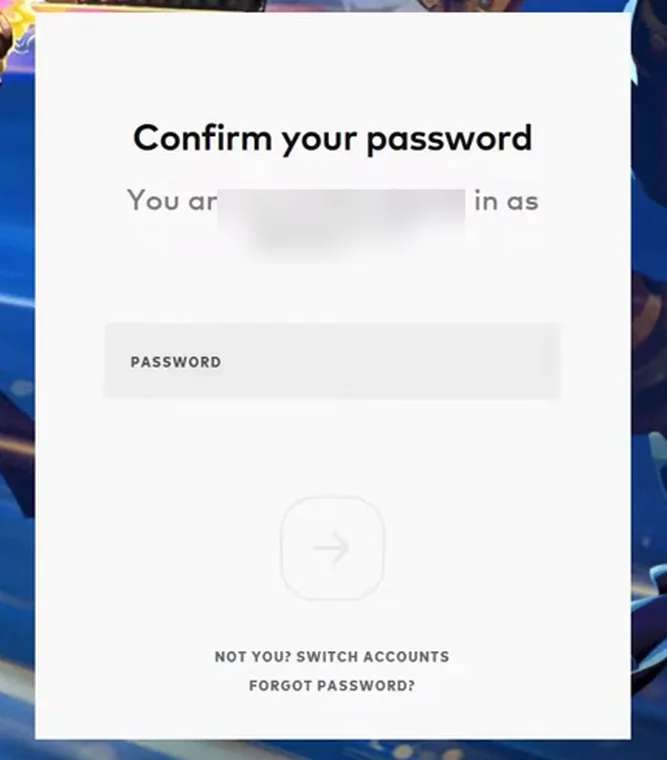
From my video at 0:40: Riot asks you to confirm your password before showing account settings.
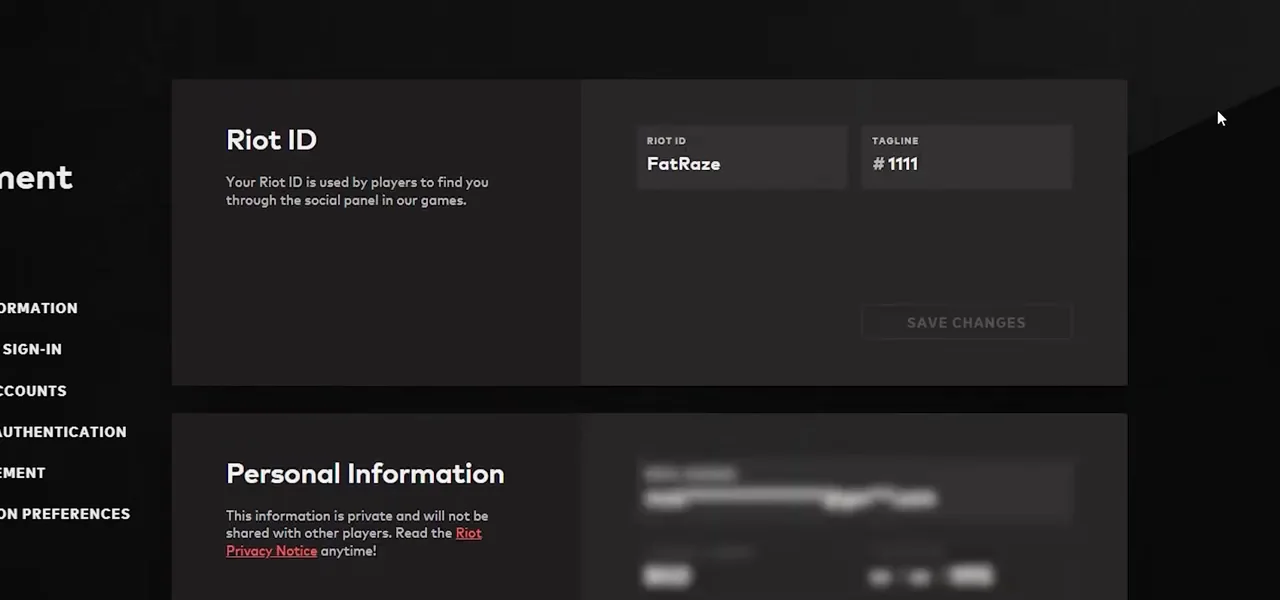
From my video at 1:39: The Riot ID section with the current name and tagline.
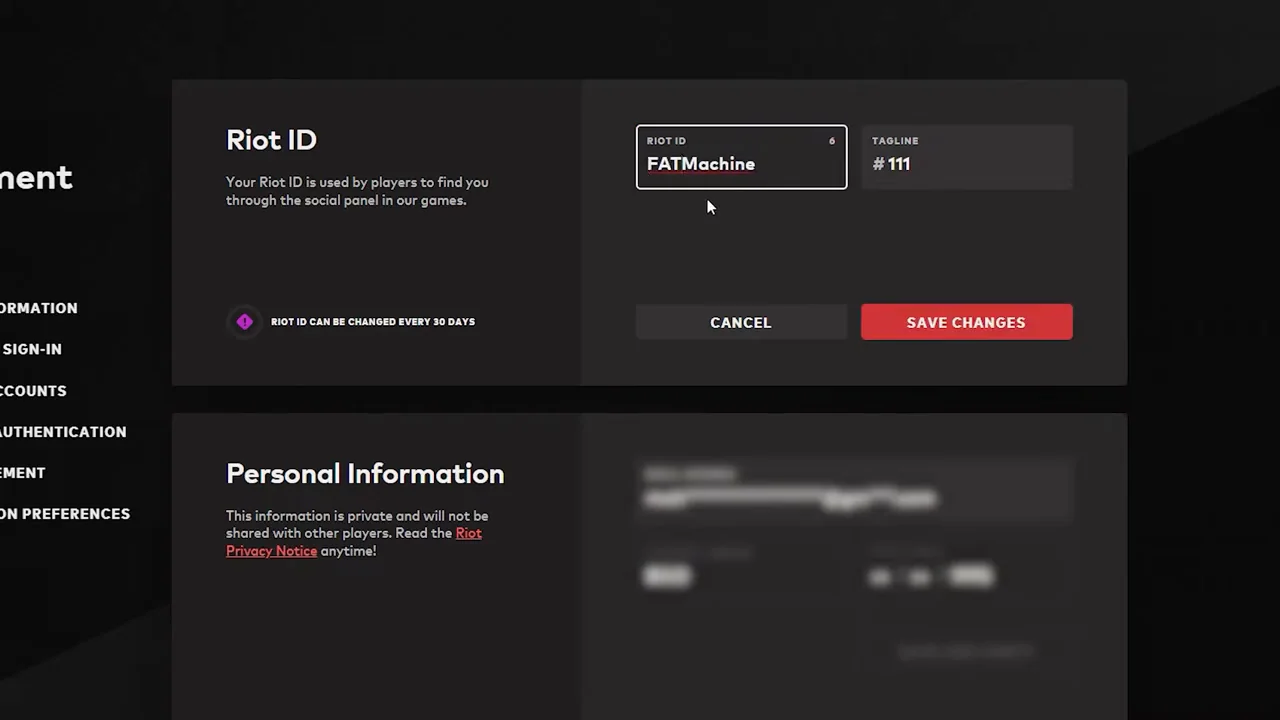
From my video at 2:13: Typing the new Riot ID, then Save Changes. The note says a Riot ID can be changed every 90 days.
See the new name in game
If Valorant is open, the old name stays. Exit the game and close the Riot Client completely, including the icon in the system tray near the clock. Then open it again. Your new Riot ID appears in the lobby and in matches.
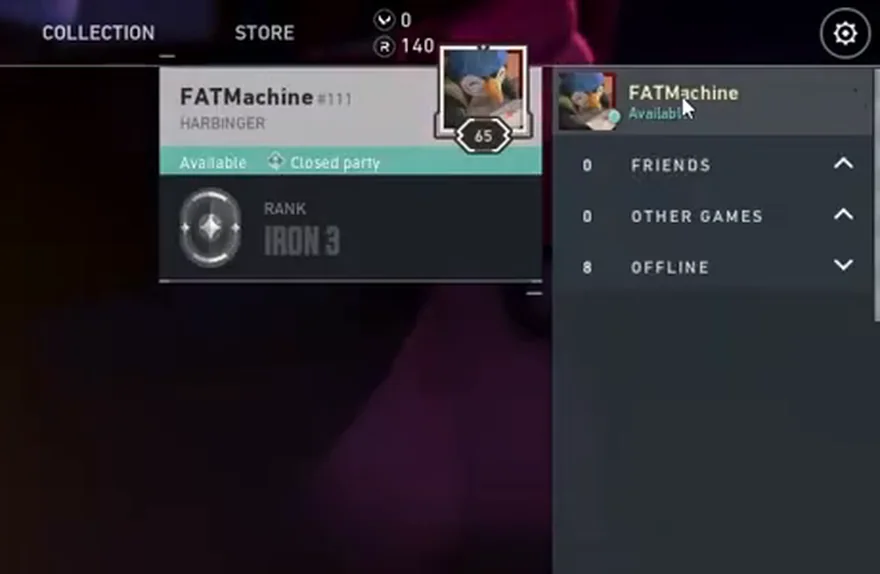
From my video at 3:04: The new name in the Valorant social panel after restarting the game.
Good to know
- You can change your Riot ID once every 90 days. The page shows the date you can change it next, so pick a name you are happy to keep for a while.
- Your username and password do not change, only the name others see.
- Friends keep you on their friends list. They simply see the new name.
- Turn on two-factor authentication on the same page to protect your account.
Want to hide your name instead?
If you stream or just prefer privacy, Valorant has a Streamer Mode in the game settings. It hides your name and other players' names on screen, without changing your Riot ID.
Common questions
Will I lose my rank or skins?
No. Your rank, skins, agents and match history all stay on your account. Only the display name changes.
How do I change my Valorant tag?
The tag is the part after the #. You change it on the same Riot ID page as the name. It is free, and it counts as a Riot ID change, so the 90-day wait applies.
Why is my new Riot ID rejected?
The name and tag together may already be taken, or they break Riot’s rules. The name needs 3–16 letters or numbers and the tag 3–5. Try a different tag first; it is the quickest way to make the full Riot ID unique.
Does my sign-in username change too?
No. The Riot ID is only the name other players see. You still sign in with the same username and password.
The short version
Your Valorant name is your Riot ID. Change it at account.riotgames.com under Riot ID, save, then fully restart the Riot Client. You can change it again after 90 days.
Official guidance: Riot ID FAQ (rules and 90-day cooldown)
Precaution
Riot ID settings, limits, and naming rules can change; consult the official Riot account help pages.
Keep going